

On October 14, 2025, Microsoft ended support for Windows 10. This change affects every Saudi business still running this operating system. Your devices no longer receive security updates, patches, or technical support. This guide helps you understand your Windows licensing options and choose the right path forward.
What Windows 10 End of Support Means for Your Business
End of support means Microsoft stopped releasing security patches for Windows 10. New vulnerabilities will remain unpatched permanently. Your systems are now exposed to risks that did not exist before October 2025.
This is not just an IT issue. It affects your entire organization. Unsupported systems are prime targets for ransomware and malware. They can lead to compliance failures, data breaches, costly downtime, and loss of customer trust.
For organisations handling sensitive or regulated data, continuing without protection is especially dangerous.
Your Two Windows Licensing Options
You have two clear paths. You can upgrade to Windows 11. Or you can extend your current coverage with ESU. Both options keep your business protected.
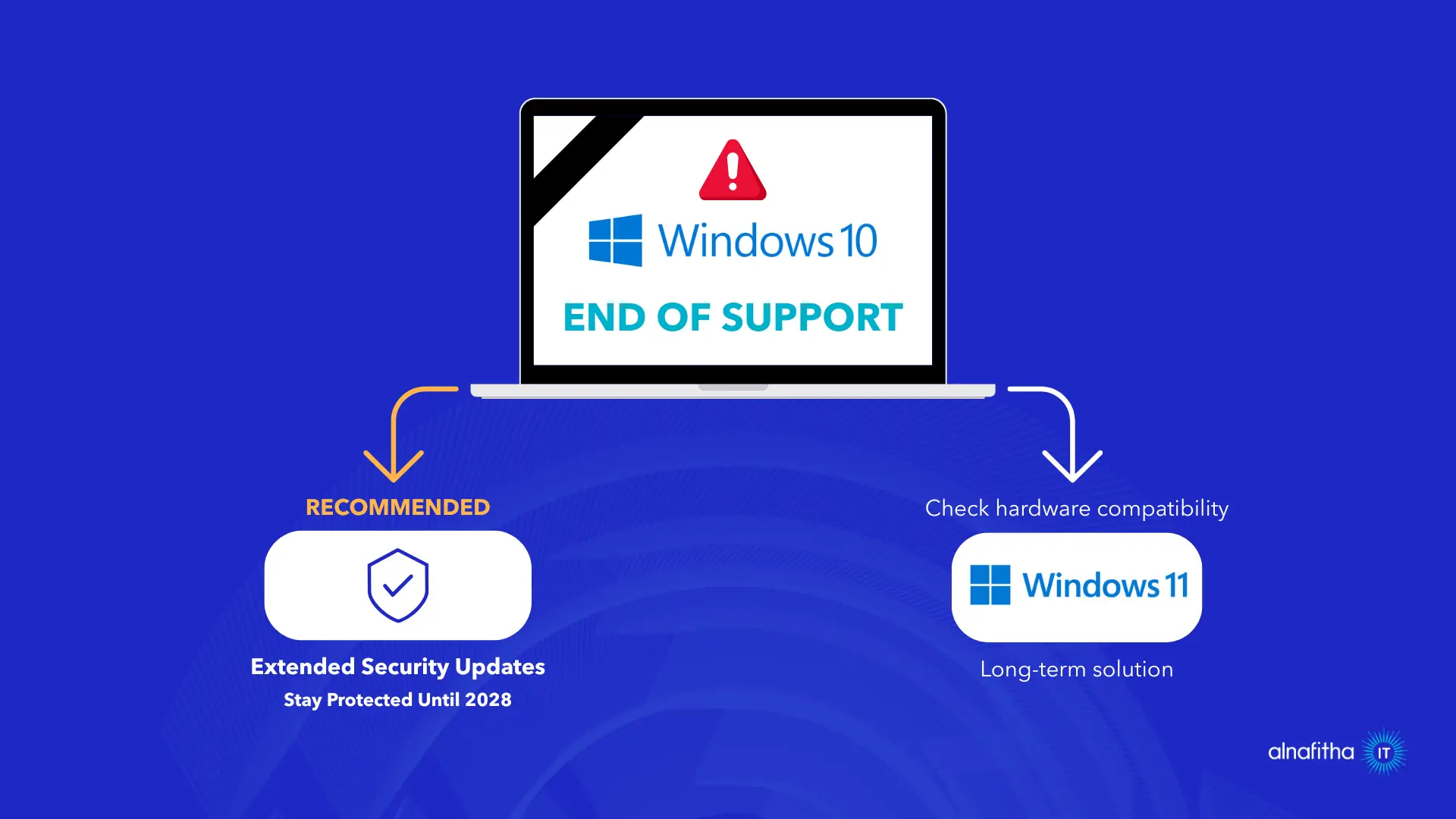
Option 1: Upgrade to Windows 11
Windows 11 is the long-term solution. It offers better security built into the hardware and works well with modern tools like Microsoft Intune and Copilot.
Benefits of Windows 11:
- Hardware-based security with TPM 2.0
- Centralized device management
- AI-powered productivity features
- Enhanced performance and long-term support lifecycle
However, not all organizations can upgrade immediately due to hardware compatibility limitations, legacy applications, large, distributed networks, or budget cycles.
Before upgrading, check if your hardware meets the Windows 11 requirements.
If this is the case, you still have a secure and supported alternative.
Option 2: Extended Security Updates (ESU)
For organizations that must continue operating on Windows 10, Microsoft offers Extended Security Updates (ESU). This gives you more time to plan your transition while staying protected.
ESU provides:
- Critical and important security patches until October 2028
- Vulnerability protection
- Support for compliance across regulated industries
ESU does not add new features or performance improvements. Its purpose is strictly to keep Windows 10 secure during a transitional period.
ESU is right for you if:
- Your hardware cannot support Windows 11
- Critical applications need more testing
- You need 12 to 36 months to plan a full migration
- You operate in highly regulated sectors
Important: To install ESU updates, devices must be running Windows 10, version 22H2, which is the final supported release of Windows 10.
How Alnafitha IT Supports Your ESU Transition
As Microsoft Country Partner of the Year 2025 in Saudi Arabia, we provide the necessary licenses to ensure your devices remain secure.
With our support, your business remains protected while you plan and execute your long-term operating system strategy.
Read Microsoft’s official Windows 10 end of support FAQ for more details.
Next Steps for Your Organisation’s Windows Licensing
Taking action now protects your business. Follow these steps to move forward with confidence.
- Audit all Windows 10 devices in your organisation
- Check hardware compatibility for Windows 11
- Decide if you need ESU as a bridge solution
- Contact Alnafitha IT for ESU activation support
- Create a transition roadmap for your teams
Explore our IT support services for ongoing assistance.
Ready to Secure Your Windows Environment?