

Microsoft 365 security: Key Takeaways
- Microsoft 365 includes baseline protection, but security defaults cover identity basics only and cannot be adjusted to your risk profile.
- Most cloud collaboration breaches trace back to configuration gaps, weak sharing governance, and unmanaged access rather than product flaws.
- Conditional Access, Microsoft Purview DLP, and external sharing controls close the three gaps that hurt hybrid teams most.
- NCA ECC-2:2024 expects documented identity, data protection, and cloud controls. A sequenced Microsoft 365 security roadmap maps directly to those requirements.
- Start with a Microsoft 365 security assessment and your Secure Score baseline, then harden identity before data, and data before monitoring.
Your teams meet on Teams, co-author on SharePoint, and sync files through OneDrive from homes, branch offices, and airport lounges. The platform works. The problem is that many tenants in Saudi Arabia still run close to their original setup, with sharing links open to anyone, legacy authentication alive, and multifactor authentication enforced for admins but not for the users who actually handle contracts and customer data.
That combination is quiet until it is not. One forwarded link can expose a bid file to an outside inbox. One phished password on an account without MFA can hand over a mailbox. And when an NCA audit or a client security questionnaire arrives, “we use Microsoft” is not evidence. Configuration gaps, not sophisticated attacks, sit behind most incidents in cloud collaboration environments.
The good news is that the fix rarely requires new products. It requires sequencing the Microsoft 365 security capabilities you already license: identity controls first, Conditional Access as the policy engine, and Microsoft Purview to govern data. This article walks through that sequence so your team can act on it this quarter.
Does Microsoft 365 Include Security by Default?
Yes, Microsoft 365 ships with baseline protection, and no, that baseline is not enough for an enterprise. New tenants come with security defaults enabled in Microsoft Entra ID. These enforce MFA registration, require MFA for administrators, and block legacy authentication protocols. They are a sensible floor, and Microsoft designed them as exactly that: a floor.
Security defaults are one size fits all. They cannot distinguish a corporate laptop in Riyadh from an unknown device abroad, cannot exempt a break-glass account, and switch off entirely the moment you create your first Conditional Access policy. Cloud security also follows a shared responsibility model: Microsoft secures the platform, while your organization owns identities, data, devices, and configuration. What you get beyond the floor depends on licensing. Business Premium and E3 include Entra ID P1 and core Defender capabilities, while E5 and the widely searched E5 Security add-on unlock risk-based policies and advanced threat protection. Our breakdown of the Microsoft 365 E5 security platform covers which tier fits which organization.
The Three Microsoft 365 Security Gaps That Hurt Hybrid Teams
Across the assessments we run for Saudi enterprises, the same three gaps appear regardless of sector or size.
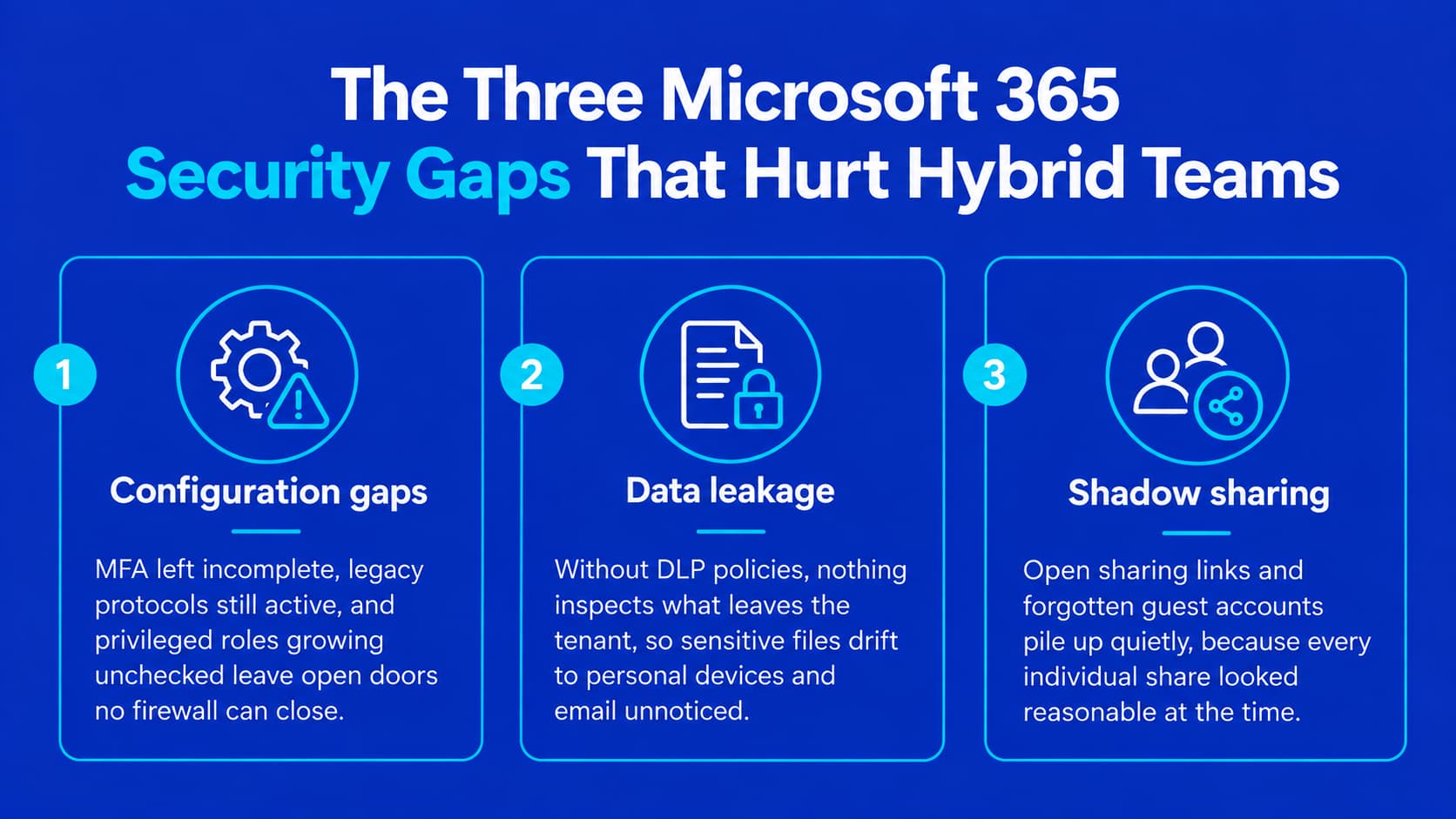
1. Configuration gaps
Tenants grow faster than governance. MFA covers admins but not all users, legacy protocols stay enabled for an old scanner or script, and privileged roles accumulate without review. Each unhardened setting is an open door that no firewall in front of the tenant can close.
2. Data leakage
Hybrid work moves files to personal devices and personal email without anyone deciding it should. Without data loss prevention policies, nothing inspects what leaves the tenant, and sensitive Microsoft 365 data travels wherever convenience takes it.
3. Shadow sharing
SharePoint and OneDrive default behavior allows broad link sharing, and guest accounts invited for one project often keep access for years. This is the gap leadership sees last, because every individual share looked reasonable at the time.
Identity and Conditional Access: The Core of Microsoft 365 Security
Identity is the control plane, and Conditional Access is the policy engine that runs it. Every policy is an if-then statement: if a sign-in matches these conditions, then require these controls. That granularity is what separates Conditional Access from security defaults and makes Zero Trust practical for hybrid teams.
A workable first wave for most organizations looks like this:
- Require MFA for all users, not only administrators, and require phishing-resistant methods for privileged roles.
- Block legacy authentication explicitly, since older protocols bypass MFA entirely.
- Require compliant or hybrid-joined devices for access to sensitive apps from outside trusted locations.
- Protect admin portals with a dedicated policy, and exclude a documented break-glass account.
Deploy every policy in report-only mode first, review the sign-in impact for a week, then enforce. This staged approach delivers the security uplift without a helpdesk flood, which is what makes the rollout survivable politically as well as technically.
Stopping Data Leakage and Shadow Sharing with Microsoft Purview
Microsoft Purview DLP inspects content, not just traffic, across Exchange, SharePoint, OneDrive, Teams, and Windows endpoints. Start with built-in policy templates for financial and personal data, which matter directly under Saudi personal data protection rules, run them in simulation mode, then enforce with user notifications so employees learn the boundaries instead of resenting them.
Pair DLP with sharing governance to shut down shadow sharing:
- Set SharePoint and OneDrive external sharing to “new and existing guests” instead of “anyone,” so every external recipient authenticates.
- Apply sensitivity labels that encrypt highly confidential files wherever they travel.
- Configure guest access expiration and quarterly access reviews so project guests do not become permanent residents.
- Audit existing “anyone” links in the tenant and retire them site by site.
Each of these steps is measurable. You can report the number of anonymous links retired and the percentage of sensitive files labeled, which turns data protection from a policy document into a metric.
A Microsoft 365 Security Roadmap Aligned with NCA ECC-2:2024
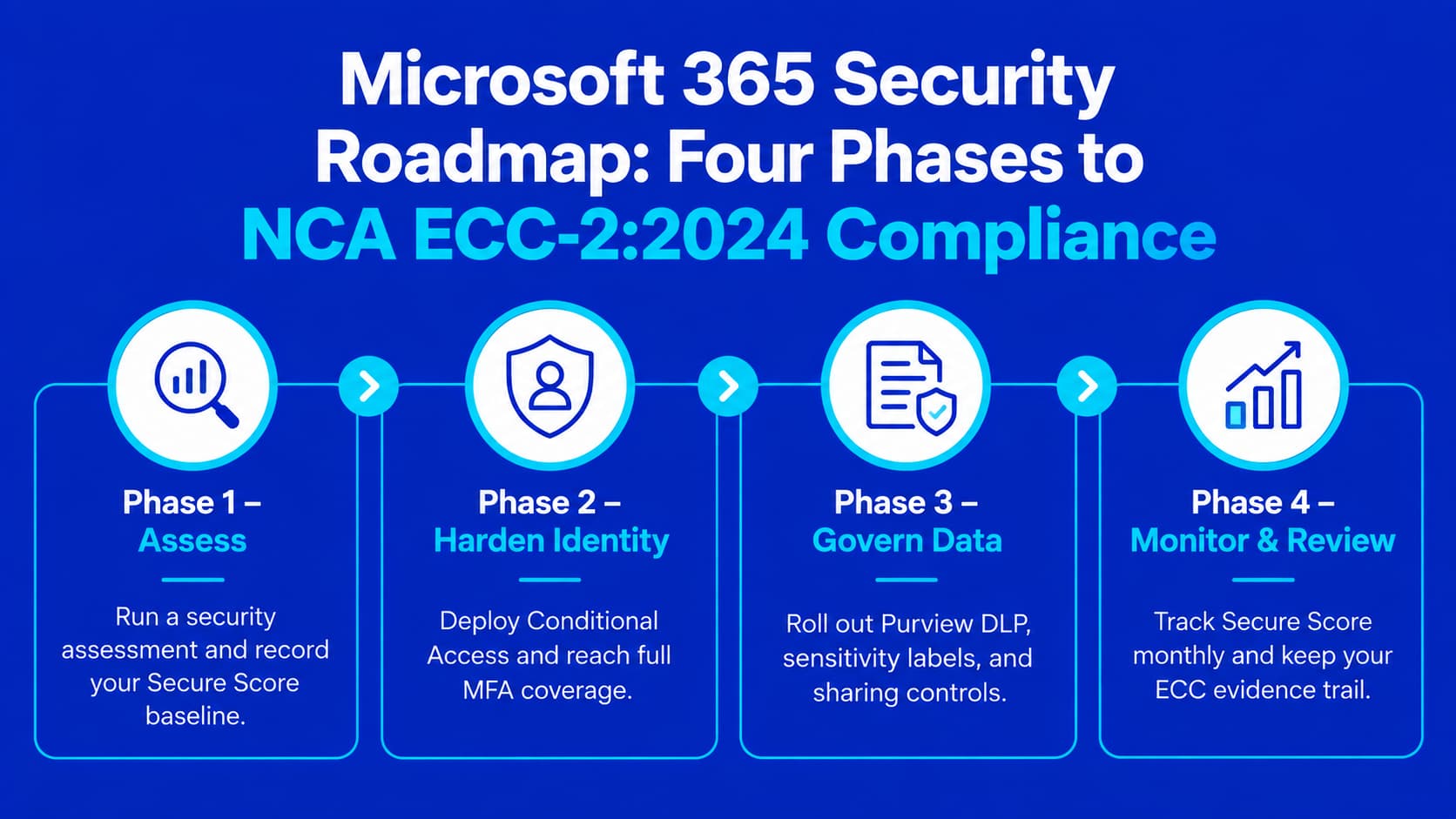
The National Cybersecurity Authority updated the Essential Cybersecurity Controls to ECC-2:2024, a streamlined set of 108 controls with explicit expectations for cloud environments, identity and access management, and data protection. For IT leadership, the practical question is sequencing. A roadmap that satisfies both auditors and boards runs in four phases:
- Assess. Run a Microsoft 365 security assessment and record your Microsoft Secure Score in the Defender portal as the baseline metric.
- Harden identity. Deploy the Conditional Access wave above and confirm MFA coverage reaches every active account.
- Govern data. Roll out Purview DLP, sensitivity labels, and the sharing controls described earlier.
- Monitor and review. Track Secure Score monthly, review privileged roles and guest access quarterly, and keep the evidence trail your ECC assessment will ask for.
This is where a partner shortens the distance between plan and proof. Alnafitha IT has worked with Saudi enterprises for more than three decades as a Microsoft partner, and our Microsoft Security and Compliance services cover exactly this arc: assessing the tenant against ECC-2:2024 expectations, designing the Conditional Access and Purview architecture, and transferring the operating knowledge to your team. The outcome clients care about is not a deployment report. It is a Secure Score that moves, an audit that closes without findings, and a collaboration environment users do not need to work around.
Secure the Collaboration Your Teams Already Run On
Microsoft 365 security is not a product you buy once. It is a configuration discipline built on identity, Conditional Access, and data governance, and every control in this article is available inside licenses most Saudi enterprises already hold. The gap between exposed and defensible is a sequenced rollout, not a bigger budget.
If you want a clear picture of where your tenant stands today, request a Microsoft 365 security review from Alnafitha IT. You will get a prioritized findings report mapped to ECC-2:2024, with the fixes ranked by risk and effort.
Frequently Asked Questions
Does Microsoft 365 include security, or do I need extra tools?
Microsoft 365 includes baseline identity protection through security defaults and, depending on your license, Defender capabilities for email, endpoints, and identities. Most organizations do not need extra products. They need to configure and enforce what they already license.
What is the difference between Microsoft 365 security defaults and Conditional Access?
Security defaults are a fixed baseline: MFA registration, admin MFA, and a legacy authentication block, with no room for adjustment. Conditional Access replaces them with granular policies based on user, location, device state, and risk. Once you create Conditional Access policies, security defaults must be turned off, so replicate their protections first.
Do I need a third-party antivirus with Microsoft 365?
Windows devices include Microsoft Defender Antivirus, and Business Premium, E3, and E5 add layers of Defender protection for endpoints and email. For most organizations, properly configured Defender coverage is sufficient, and consolidation reduces the alert fatigue of running parallel tools.
Which Microsoft 365 license includes advanced security features?
Microsoft 365 E5 includes the full security and compliance stack. Organizations on E3 can add the E5 Security add-on to gain risk-based Conditional Access, Defender for Office 365 Plan 2, and Defender for Endpoint Plan 2 without a full E5 upgrade. Business Premium serves smaller organizations with a strong subset.
How does Microsoft 365 security support NCA ECC-2:2024 compliance in Saudi Arabia?
ECC-2:2024 requires documented controls for identity and access management, data protection, and cloud cybersecurity. Conditional Access policies, Purview DLP, sensitivity labels, and audit logging produce both the controls and the evidence assessors ask for, so the same rollout serves security and compliance at once.
How do I measure whether Microsoft 365 security is improving?
Use Microsoft Secure Score in the Defender portal as your headline metric, tracked monthly. Support it with MFA coverage percentage, the count of active anonymous sharing links, and the share of sensitive files carrying labels. These four numbers give leadership a security story it can read in one slide.